Select a number
Double-click a numeric value on a webpage, or open the converter from the right-click menu.
Double-click a value on any webpage and convert it instantly. No new tab, no copy-paste, no broken flow.
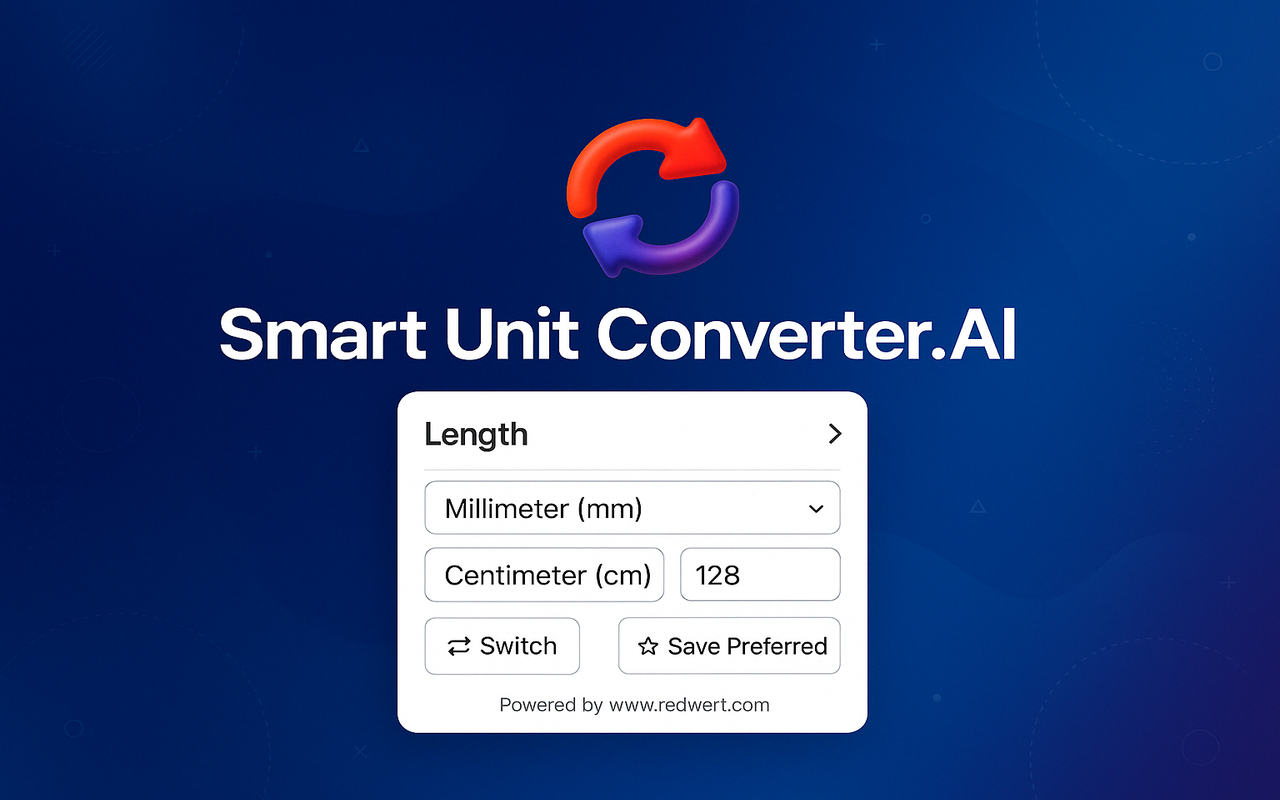
Conversion without interruption
The converter appears beside the number you are reading, gives you a clean result, then gets out of the way.
Double-click a numeric value on a webpage, or open the converter from the right-click menu.
Smart detection helps identify the value. Adjust the category or units whenever you need to.
Get the answer instantly in a compact, draggable interface—without leaving your page.
One tool, many measures
From technical articles and specifications to recipes and international shopping, the units you need stay close at hand.
Open in Chrome Web StoreMillimetres, centimetres, metres, kilometres, inches, feet and miles.
Grams, kilograms, pounds, ounces and the units you see most often.
Square units, acres, hectares and more for work or everyday questions.
Millilitres, litres, gallons and related units with a few quick choices.
Popular currencies including USD, EUR, INR and GBP as a premium feature.
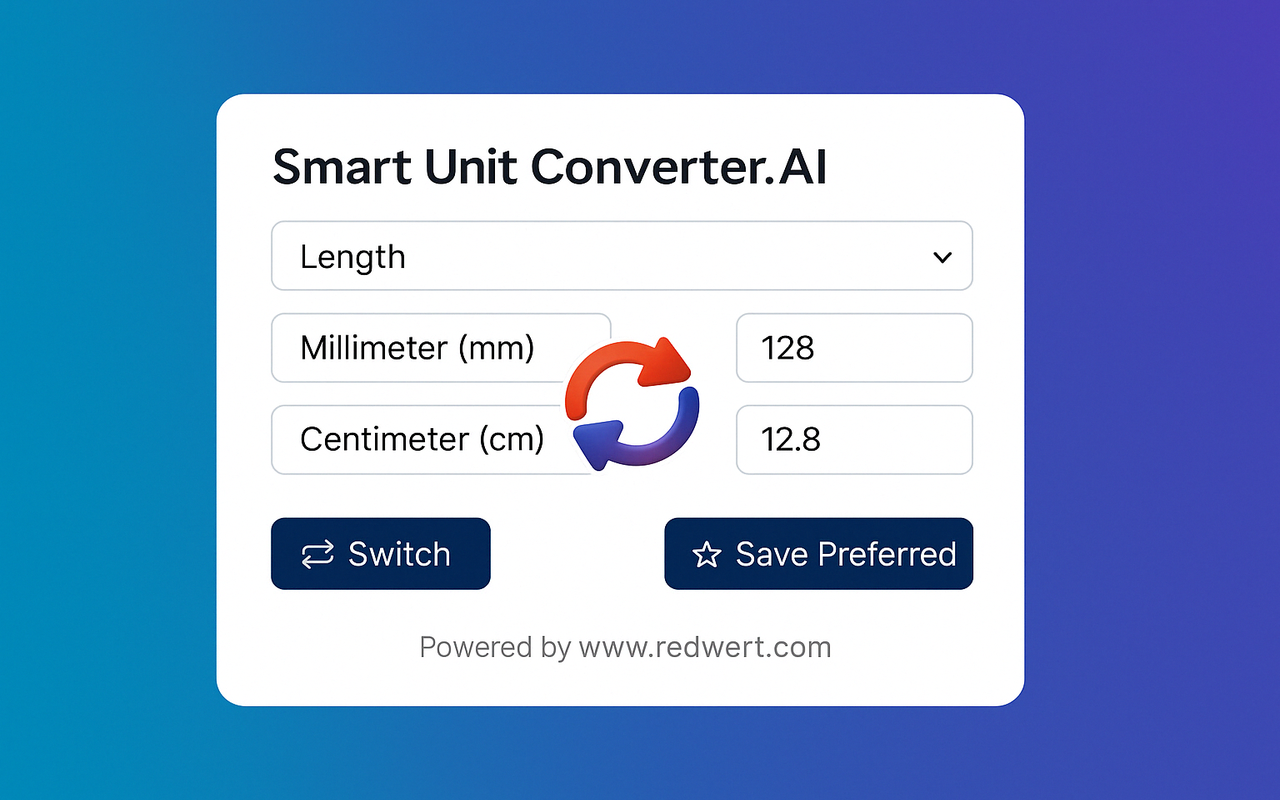
Small interface. Useful details.
Move the converter so it never blocks the content you are reading.
Save a category and unit pair for a faster default next time.
Handles comma-separated values and common numeric formats.
Private by default
Conversions are processed locally in your browser. Smart Unit Converter.AI does not track, log or share the values you convert.
Good to know
Double-click a number on a webpage. You can also use the right-click context menu when that feels more natural.
The extension supports length, weight, area and volume, with currency conversions available as a premium feature. More categories are planned.
No. Conversion processing is designed to happen locally in Chrome, and the extension does not track or log the values you convert.
Yes. Save a preferred category and unit pair, and the extension can use that setup by default for future conversions.
Smart Unit Converter.AI
One small extension. A smoother way to understand numbers everywhere.
AVAILABLE ON THEChrome Web Store